Connection security
Is your connection secure?
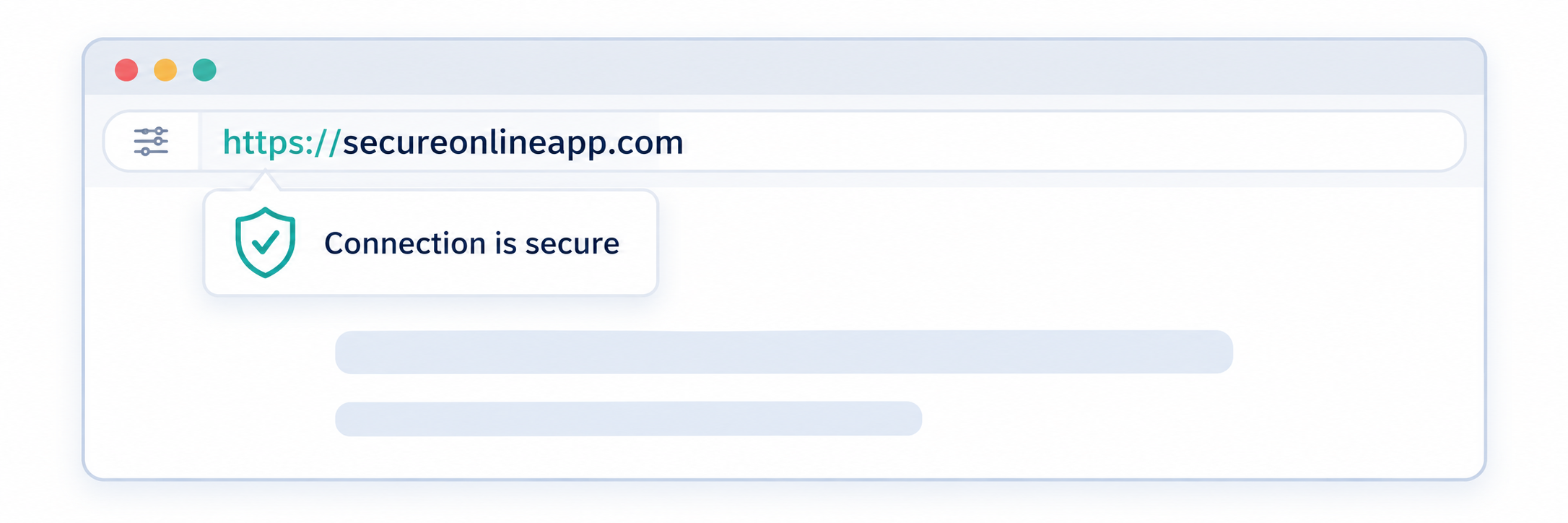
- Check the address.Look for https:// and the correct website domain.
- Check the connection.Click the icon beside the address to view its security details.
- Stop at warnings.Do not enter personal or payment details if your browser says “Not secure” or shows a privacy warning.
HTTPS encrypts your connection. Always check the domain: encryption alone does not make a site trustworthy.